
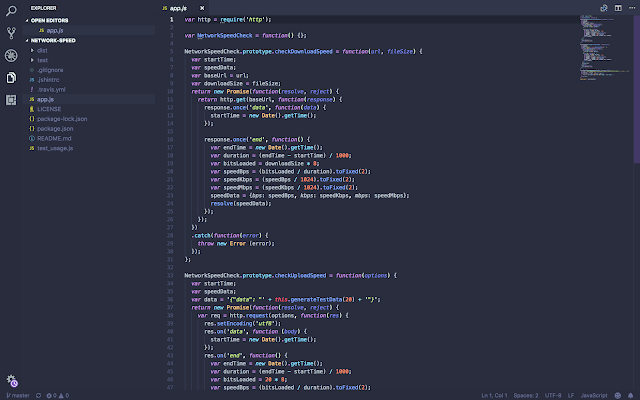
The Battle of choosing the right Code editor is tough, From Atom to Sublime text to Notepad ++ (Pun Intended) , However we wont be Discssing Notepadd++ or sublime text Plugins we will be looking at VS code.
Visual studio code provides an amazing environment for development; especially for JavaScript developers. The cross-platform text editor since introduced by Microsoft and has attracted a large number of developers because of its better performance & long listed amazing features. As a developer, having a well calibrated editor is paramount to productivity, Great tooling can help developers write faster, cleaner, and more consistent code. VS Code already does a lot right from install but with time you might want to add a few extensions, well Fourtunatley VS Code vibrant extension community this very easy with well over 7,00,000 downloads per month.
We will look at must have plugins, Nice to have and a few Honourable mentions.
The Must Have
This List was Very Hard to compile, Choosing between so many Great Extensions, some were given preferences according to my personal needs also taken into consideration and there still tons of extensions left i might just write a part two.
Git Lense

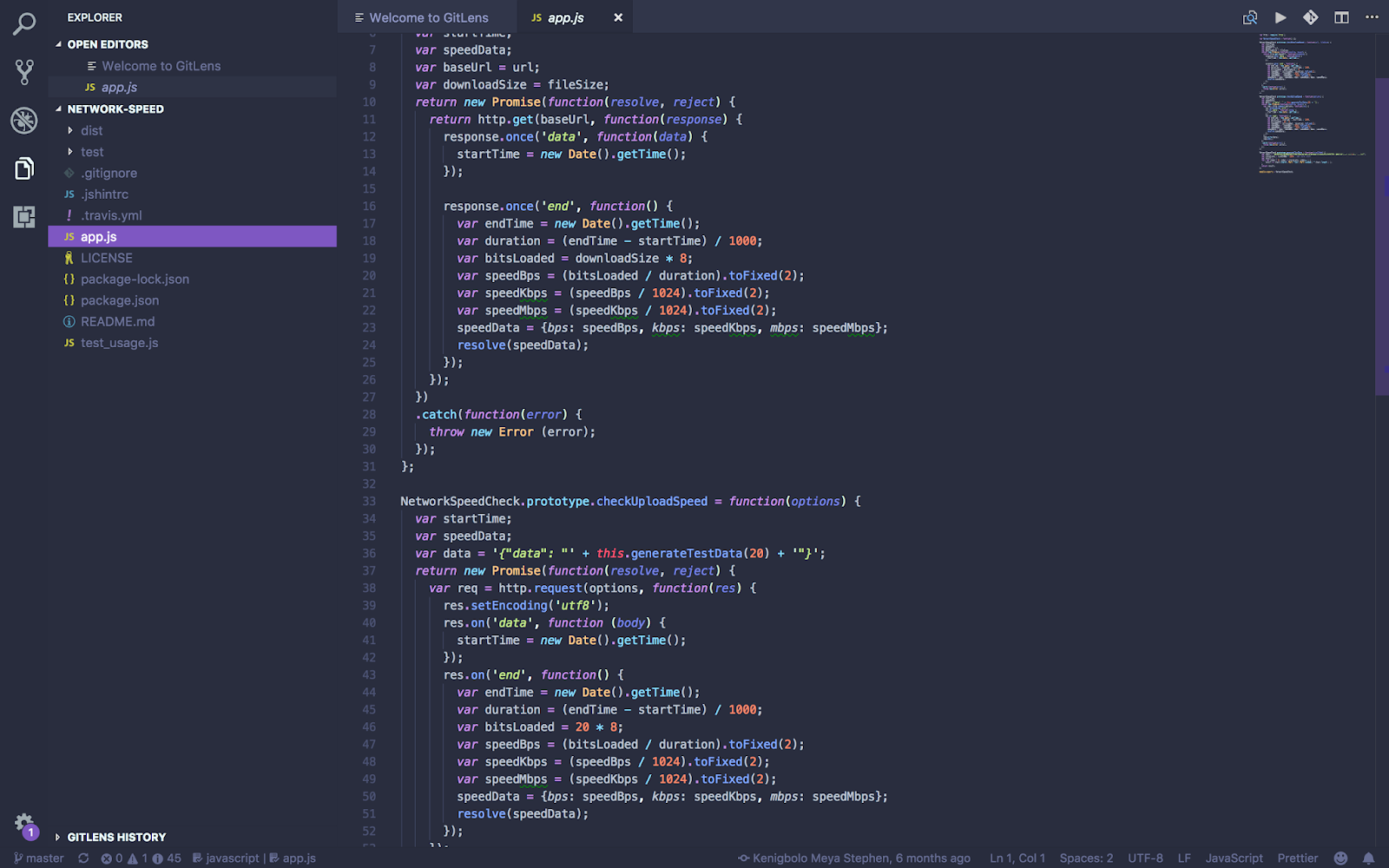
The Git Lens extension is truly amazing, it enables you to visualize code authorship within VS Code. You can browse and explore the history of a file, view a git blame annotation for each file line, and even add a changes (diff) hover annotation, all of which are fully customisable. GitLens is especially useful on larger projects where you may not be aware who wrote what within a given file.with GitLens you can easily see with a glance who wrote a specific line right from the bottom status bar. and when specific questions arise they can be contacted.
NPM Intellisense
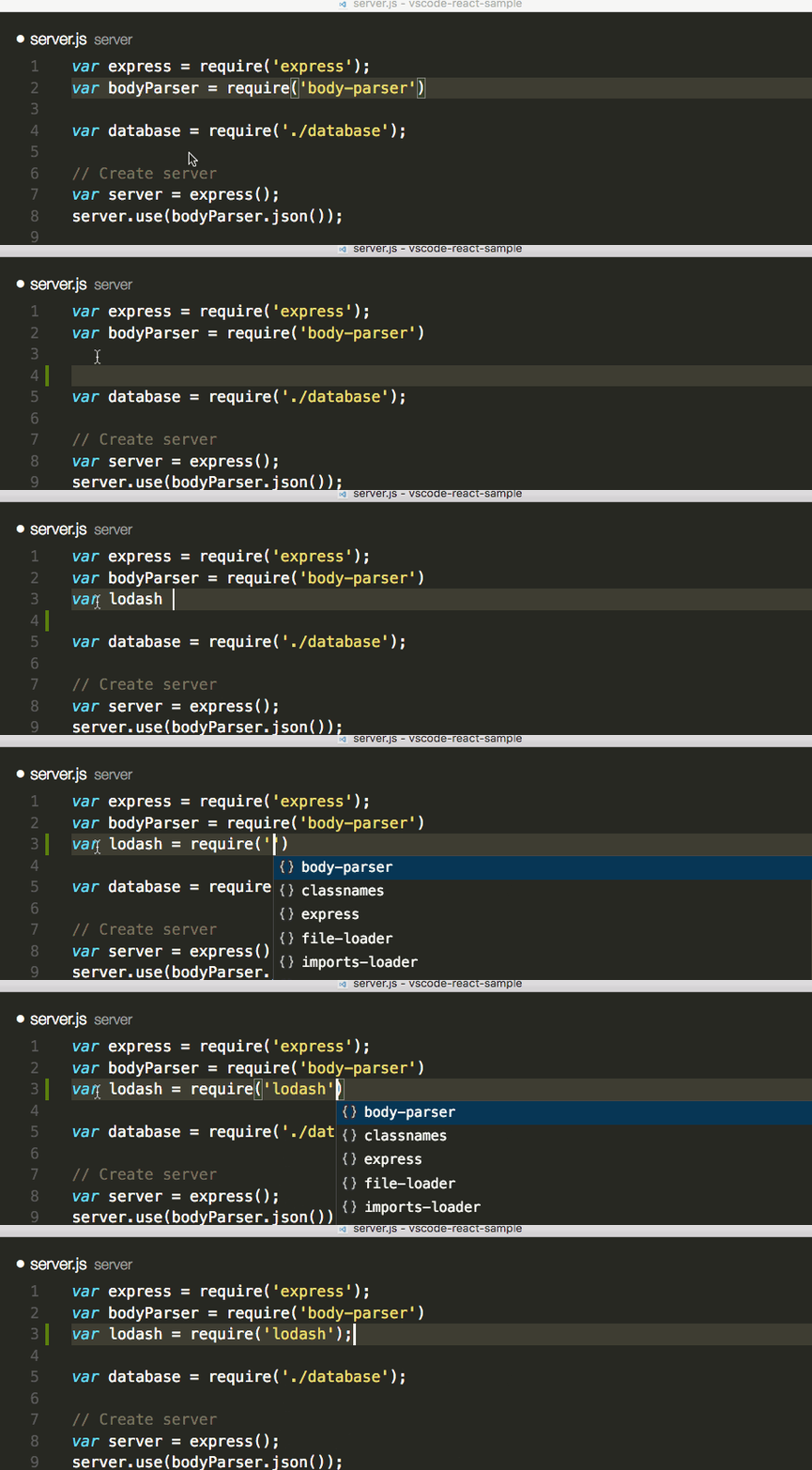 The npm InteliSense extension is a small utility to enable autocompletion of module names in require statements using the VS Code IntelliSense feature. The extension is dead simple, but provides a nice quality of life improvement when in development.
ESLint
 ESLint is a very commonly used and highly customizable JavaScript linter that can be configured for most major frameworks and code styles. Instead of having to manually run ESLint to see what errors out, this specific VS Code implementation of ESLint highlights the linting errors within the editor, as well as offers to automatically resolve them with a few mouse clicks.
Although comes with IntelliSense built in which does a perfectly descent job of code hinting.” That’s true, but what if not everyone on your project is using the same editor? What if you want to have different config settings just for JSX, or specific ECMAScript version for vanilla JS running in the browser, or Node.js server code? Well, ESLint has got you covered for all those scenarios.
This extension integrates ESLint into VS Code, it requires you to already have ESLint installed on your computer: either locally or globally. You can do this with npm, by running npm install -g eslint. There are more detailed configuration and installation settings and instructions on the extension marketplace page.
todo Highlight
 It often happens that you code a function, and think that there is a probably better way to do the same thing. You leave a comment // TODO: Needs Refactoring or something to that effect. But then you forget about the note and push your code to master/production. With Todo Highlighter, that won’t happen. Hopefully.
It highlights your TODOs/FIXMEs or any other annotation in your code in bright colours so it is always clearly visible. One nifty feature is List Highlighted annotations. It lists all the TODOs in the output console.
The Nice to Have
Open in Browser

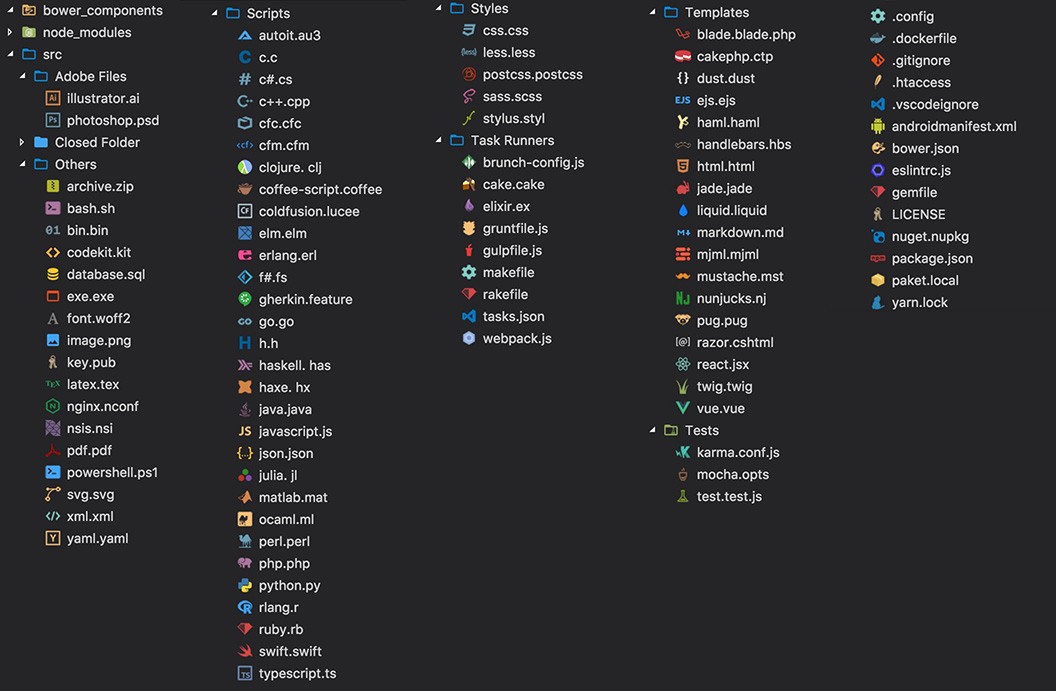
VSCode Great Icons
Trailing white spaces

Code Runner

Material Palenight
Some Honorable mentions
Conclusion
VS Code has a huge library of extensions to choose from,and I’ve barely grazed the surface. If you have an extension you think i missed please feel free to reach out to me.
This blogpost was Originally written for Codeship authored by me you can find it here